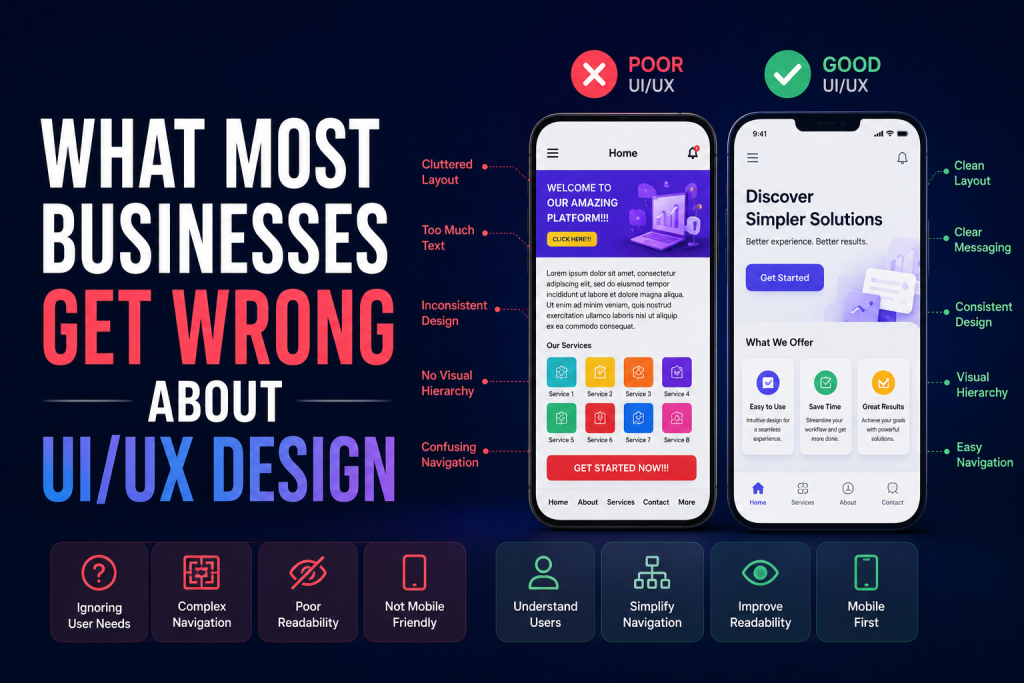
In 2025, responsive web designs have turned into an even more critical issue to test. With users visiting sites on an unprecedented number of devices, including foldable smartphones and ultra-wide monitors, it is no longer optional to have an amazing site that not only looks and works perfectly on all different screen sizes but also performs like a dream. It’s essential.
I have been working on responsive designs across multiple projects over the years, and I can say that the right tools can make the difference between the successful launch of a site and the moment when you close your eyes and hope nothing will go wrong. I would like to tell you about the most trustable tools that I use on a regular basis and why they have become a part of my working process.
Chrome DevTools: The Developer’s Best Friend
We will begin with the tool that is likely to be already installed. Chrome DevTools is the best tool for responsiveness testing in 2025, and rightfully so. Click F12 or right-Click and choose Inspect, and immediately, dozens of preset device dimensions open to you in the device toolbar icon.
The most remarkable feature of the Chrome DevTools is that the tool can not only recreate screen sizes, but also touch, device orientation, and network throttling. You can also test the performance of your site over a slow 3G connection or even view the exact manner in which touch targets work on mobile devices. The responsive design mode also allows dragging to generate custom view port sizes, you can use them to test those in-between sizes.
Chrome DevTools offers a similar language to teams that deal with responsive web design services providers. You will be able to share precise pixel size, screenshot problems, and repeat bugs on a regular basis among various team users.
BrowserStack: Real Device Testing at Scale
The fact about emulators is this; they are very good in simple testing, but they do not always reflect real-world behavior. It is where BrowserStack comes in to rescue. This cloud-based platform provides access to real devices and browsers without the need to have a physical device lab.
By 2025, BrowserStack offers more than 3,500 real mobile devices and browsers such as the newest iPhone and Samsung Galaxy models, different Android versions, and older phones that, even now, occupy considerable market share. You can actually communicate with your site, as users would, and spot bugs that emulators cannot, such as how some CSS properties would appear on real Safari iOS, compared to how they appear in the emulated one.
The feature that I like best about BrowserStack is the ability to take a screenshot. You will be able to record the appearance of your site on dozens of devices at once, which is incredibly effective when it comes to doing all the testing you can before the release.
Responsively App: The Multitasking Powerhouse
You are in a treat in case you have not yet discovered Responsively App. It is an open-source browser that is specifically built to work with responsive development allowing you to see your site on many devices at the same time. Any action that you perform in one of the views- scrolling, clicking on an item, filling a form, etc.- is reflected in all the views in real time.
This concomitant navigation is a revelation when you are testing navigation paths or submissions of forms. Rather than having to individually check the size of each of the devices, you can view everything simultaneously. The app also has inbuilt screen shot features, device rotation, and even, hot reloading, which is a feature targeted at developers who may have an active code on the phone.
Responsively App saves agencies and freelancers a lot of time in testing their projects having many clients and makes the process more comprehensive. It was one of the non-negotiable tools.
Google’s Mobile-Friendly Test: The Validation Checkpoint
Google Mobile-Friendly Test tool may appear to be very simplistic as compared to others, and that is its advantage: Google opinion concerning the mobile usability of your site. This is a tool that helps to analyze your page and find out some specific problems that could influence the mobile search positions.
In 2025, when the mobile-first indexing is implemented completely, this tool basically informs you that Google deems your site to be mobile-optimized. It points out issues such as text being too small to read, clickable things being too close to each other or content that is wider than the screen. These are first hand insights, the horse-mouth information and it is irreplaceable in any SEO oriented project.
LambdaTest: Comprehensive Cross-Browser Testing
The responsive design is not only concerned with the screen sizes, but also with the compatibility with the browsers. LambdaTest offers testing in the cloud on 3,000+ bowsers and operating system combinations. You can check the performance of your site in Safari 17, Firefox 122, and Older versions of edge among others at LambdaTest.
The live testing option of the platform allows you to test your site in real-time in various settings, and automated screenshot testing gives you a visual anomalies by catching them quickly. In the case of teams that work with a web design agency India or in various locations with different time zones, the cloud-based infrastructure of LambdaTest also implies that any individual has the same testing environment no matter their location.
Sizzy: The Designer’s Dream Tool
The designer-friendly interface is another feature that Sizzy can boast of. This is a paid tool (so well worth the money) that will show your site in a variety of device displays with gorgeous device frames that look like real ones. In addition to aesthetics, Sizzy has such potent features as screenshot comparison, examination of elements on each device, and device configuration.
The difference with Sizzy is that it is design workflow oriented. Soon, you can toggle between the light and dark mode, test the zoom settings, and even pretend to have all sorts of disabilities in order to test the level of accessibility on gadgets.
Making the Right Choice
The most effective one is based on your needs and budget. Chrome DevTools with Responsively App will be sufficient in most cases of a fast daily test. To have thorough pre-testing with launching, invest in BrowserStack or Lambda Test. And never go live without first having gone through Google-Mobile-Friendly Test.
Note that the responsive web design is not a single-checklist point. It is important to test your site regularly with the above tools to make sure that you are constantly providing outstanding experiences as new devices and browsers are launched in the market. Your consumers want smooth experiences however they access your site- these tools will assist you in the delivery of such experiences every time.